

This site uses cookies to provide and improve your shopping experience. By continuing to use this site, you agree to accept these cookies. For more information, please see our Cookies PageCookies Page.
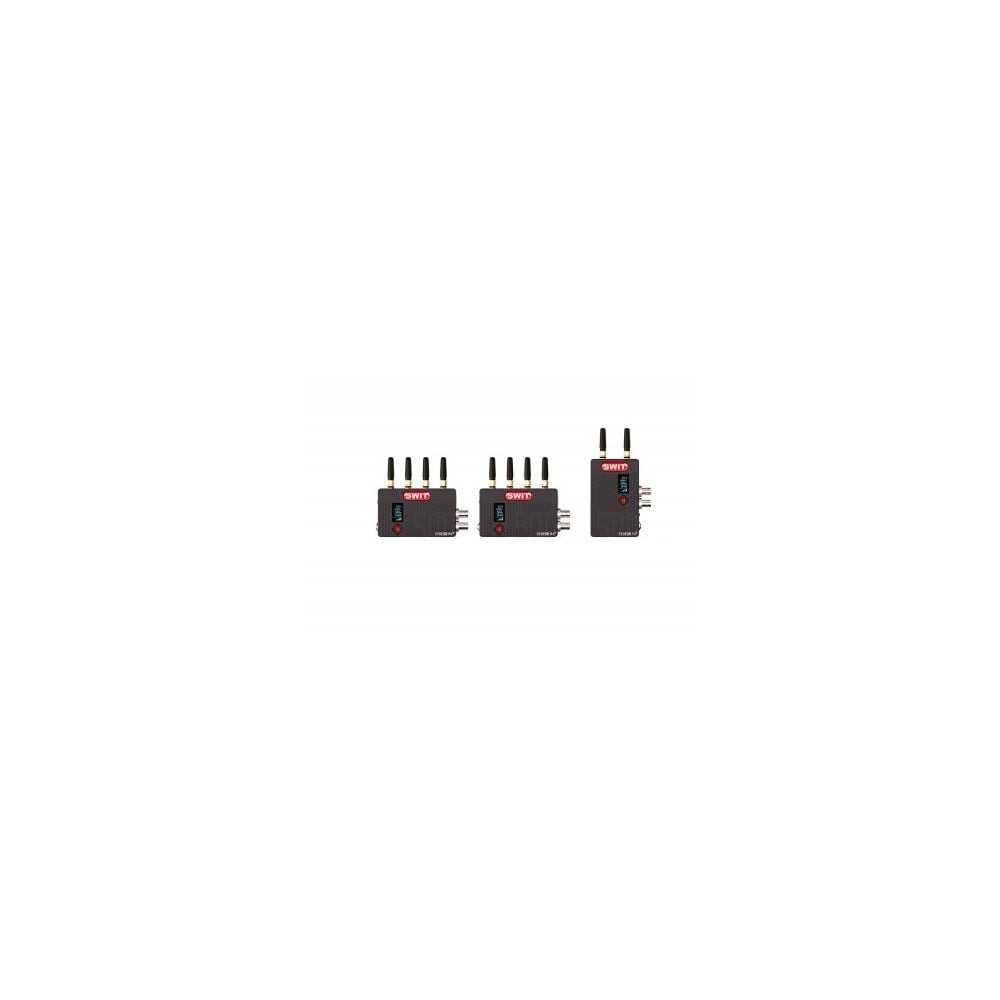
Both Tx and Rx are equipped with OLED to display signal format, wireless channel number and signal strength.
Multicast and Double Encryption
Support 1 transmitter to 4 receivers reliable multicast mode. The transmitter and receivers are paired and double encrypted by private transmission protocol and by AES128, in order to protect the footages.
Re clock & Colour Reproduction
To ensure the quality of black level, signal noise and colour reproduction of the wireless received signal, the FLOW series wireless receiving supports signal re-clock and accurate colour reproduction.
USB Firmware Update
The FLOW series wireless provides a Micro USB port, supports OTG USB Firmware update for future more functions.
Power Supply
The power consumption of Tx and Rx are less than 8W. Both Tx and Rx provide NP-F DV battery plate, and 7-34V lockable DC input.
Pair the Transmitter and Receiver
The FLOW wireless Tx and Rx are already paired in factory. You can directly use.
But if you have several units and mixed up the Tx and Rx, or if you need to do multi-cast, you need to re-pair by yourself. Pairing steps:
1 Tx to 1 Rx
(1) Power on the Tx and connect SDI or HDMI source to Tx.
(2) Power on the Rx and connect with a monitor.
(3) Pull the Rx joystick right to “CONF/PAIR” page, and make sure the CONF is “HOST” mode*. Pull the joystick down to select “PAIR” – “YES” and press the joystick to confirm.
(4) Pull the Tx joystick right to “PAIR” page, and pull down to select “YES”, and press the joystick to confirm.
(5) Then the “Link” indicators of both Tx and Rx are blinking, and when they stopped blinking, pairing succeed and the Rx outputs video.
* If the Rx is “SLAV” mode, please change to “HOST” mode and restart the Rx to apply.
1 Tx to Multi Rx
(1) Successfully pair a Tx with an Rx first, and keep them powered on.
(2) Power a new Rx on, and pull the Rx joystick right to “CONF/PAIR” page, and change the CONF to “SLAV” mode, and restart the Rx.
(3) Pull the Rx joystick right to “CONF/PAIR” page again, and pull joystick down to select “PAIR” – “YES”, and press the joystick to confirm.
(4) Pull the Tx joystick right to “PAIR” page, and pull down to select “YES”, and press the joystick to confirm.
(5) Then the “Link” indicators of both Tx and new Rx are blinking, and when they stopped blinking, pairing succeed and the new Rx outputs video simultaneously.
(6) Set more Rx to “SLAV” mode and pair them together by above steps.
How to Get the Best Effect of Wireless Transmission
(1) Set the Transmitter and Receiver antennas straight up, even if they are laid down installed.
(2) Set the Receiver as high as possible.
(3) Avoid walls, trees, water and any blockage as best as you can.
Key Features:
KUWI 5.1-5.9GHz Wireless Technology
DFS Comply
3GSDI & HDMI, with 3GSDI loop out
500ft/150m (Line-of-Sight) distance
Strong Wall-Cross Performance
2-ch SDI/HDMI audio transmission
OLED info and channel switching
Support 3-4 pairs working in one location
Multicast - 1 transmitter to Max 4 receivers
Wireless protocol & content double encryption
Re clock and accurate colour reproduction
Specifications
FLOW500
Transmitter- Receiver
Input, 3G/HD-SDI x1
HDMI x1/
Output: 3G/HD-SDI loop x1, 3G/HD-SDI ×2
HDMI×1
Format1080P (60 / 59.94 / 50)
1080i (60 / 59.94 / 50)
1080p (30 / 29.97 / 25 / 24 / 23.98)
720p (60 / 59.94 / 50)The same as transmitter inputs
Wireless Frequency: 5.17GHz-5.23GHz and 5.75GHz-5.83GHz, 5.17GHz-5.23GHz and 5.75GHz-5.83GHz
Be the first to review FLOW500 Tx+2Rx 500feet(150m) new generation Wireless FHD Video 1 Transmitter with 2 Receviers, Super Anti-interference, No-delay. Write a review ›